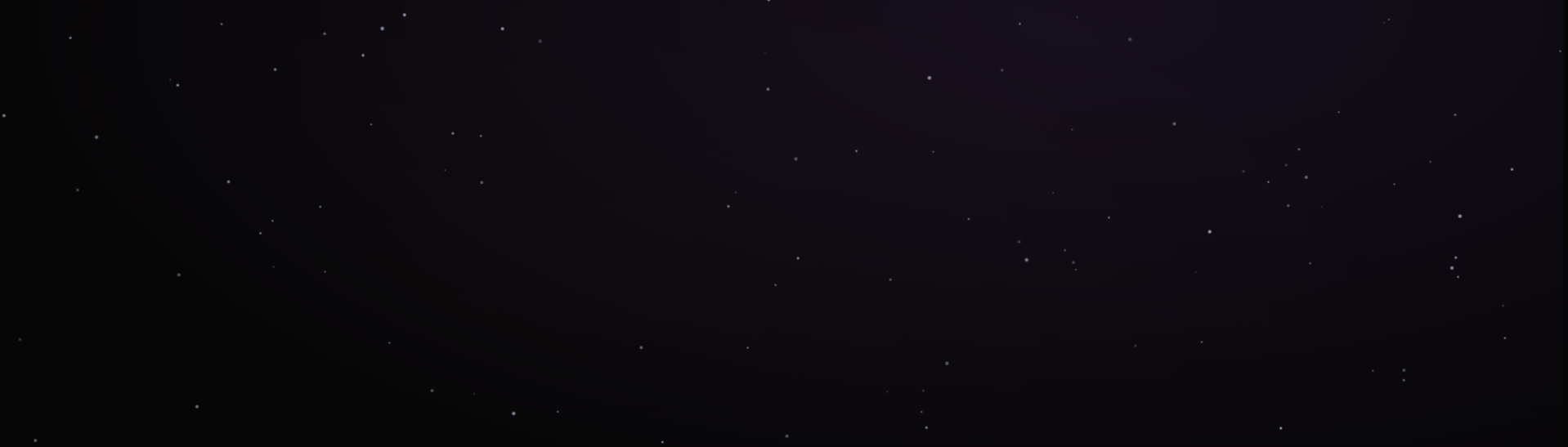
If you've visited my portfolio, you've probably noticed the moving starfield in the background. It interacts with your mouse, has a "Hyperdrive" mode, and even a "Black Hole" effect.
But here's the catch: animating hundreds of particles on a full-screen canvas can kill your CPU if you aren't careful. Here is how I optimized it to run at a smooth 60FPS.
The Canvas Approach
I avoided DOM elements (like <div>s for stars) because manipulating the DOM is expensive. Instead, I used the HTML5 Canvas API. This allows me to redraw the entire scene roughly 60 times a second using requestAnimationFrame.
The "Fast Path" Logic
In my script.js, I split the rendering logic into two paths:
- The Fast Path (Default):
When the user is just scrolling, the stars barely move. I use simple 2D math (x += vx) to drift them. I avoid complex calculations here to keep the main thread free for scrolling. - The Heavy Path (Interaction):
When you holdSpacebar(Black Hole) orShift+H(Hyperdrive), I switch to a more intensive physics calculation.
// Example of the physics logic
const dx = mouseX - star.x;
const dy = mouseY - star.y;
const distance = Math.sqrt(dx * dx + dy * dy);
// Inverse square law for gravity effect
const force = 500 / (distance + 1);
Accessibility First
Performance isn't just about FPS; it's about respect for the user. I added a check for prefers-reduced-motion.
const prefersReducedMotion = window.matchMedia(
  "(prefers-reduced-motion: reduce)"
).matches;